Technical or Device‑Related Issues
Understanding the most common device-related challenges and how to fix them easily
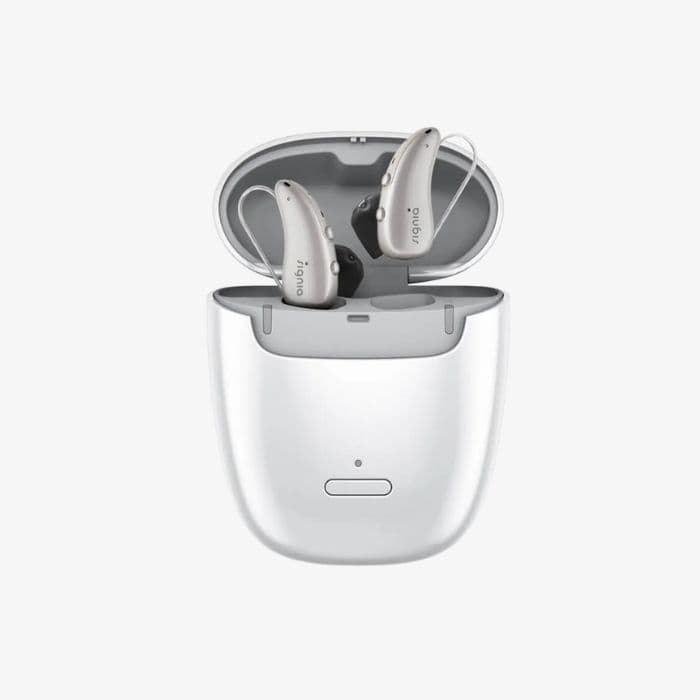
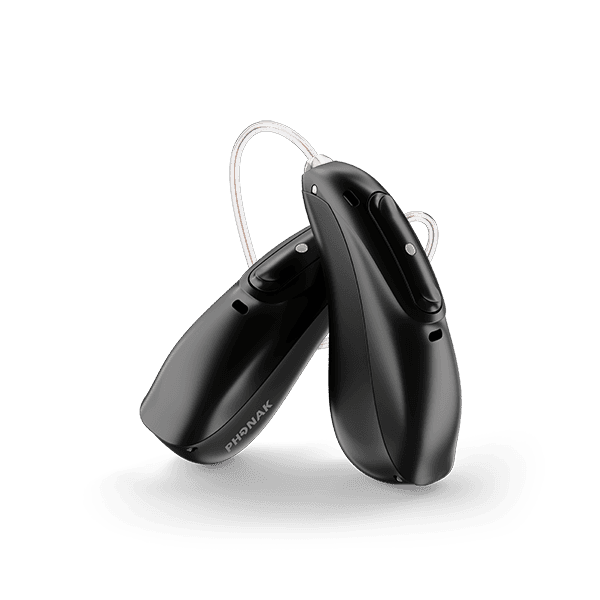
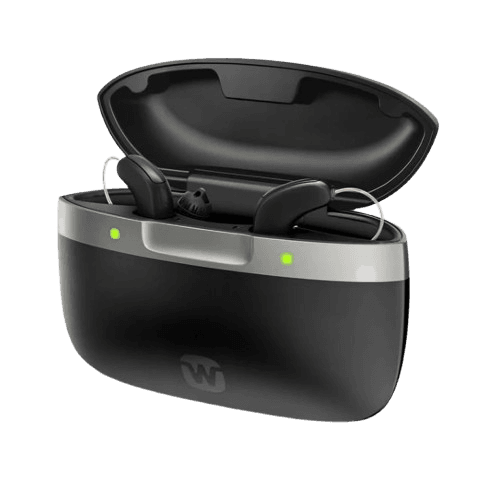
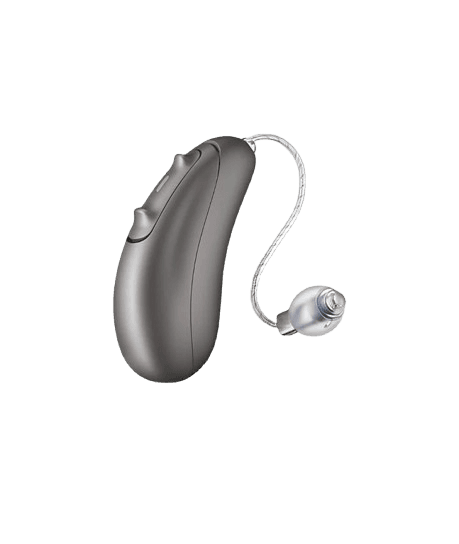
Even the best hearing aids from Signia, Phonak, ReSound, and Bernafon can face technical issues after purchase.
Most of these problems are minor, normal, and easily fixable — but patients often panic because they assume something is “wrong” with the device.
This blog explains the most common technical issues, why they happen, and how clinics like Fairfield Hearing Clinics resolve them quickly.
1. Whistling / Feedback Issues
The most common technical complaint — and usually the easiest to fix
Whistling (feedback) happens when sound leaks out of the ear and re-enters the microphones.
Why it happens
- Dome not inserted properly
- Dome too small
- Earwax blocking the canal
- Loose earmold
- Hearing aid slipping out
- High gain settings
How we fix it
- Change dome size
- Deep insertion technique
- Wax removal
- Feedback calibration (brand-specific)
Brand Features That Reduce Feedback
- Signia: Feedback Cancellation 2.0
- Phonak: WhistleBlock
- ReSound: DFS Ultra III
- Bernafon: Adaptive Feedback Canceller
2. Bluetooth & Connectivity Problems
Very common in the first month — especially with Android phones
Common complaints
- Calls not routing to hearing aids
- One side disconnecting
- App not pairing
- Low call volume
- Audio delay
Why it happens
- Phone OS updates
- Bluetooth permissions not enabled
- Multiple devices paired
- Low battery
- App not updated
How we fix it
- Reset Bluetooth
- Re-pair hearing aids
- Update firmware
- Enable “Allow Nearby Devices”
- Clear old pairings
Brand-Specific Bluetooth Strengths
- Phonak: Best for hands-free calling
- ReSound: Most stable app connectivity
- Signia: Strong LE Audio support (new platforms)
- Bernafon: Reliable streaming for iPhone
3. Charging & Battery Issues
Rechargeable devices are convenient — but sensitive to handling
Common issues
- Hearing aid not charging
- Charger lights blinking
- Battery draining fast
- One side not charging
Why it happens
- Dirty charging contacts
- Moisture in the device
- Charger cable loose
- Power fluctuations
- Old firmware
How we fix it
- Clean contacts
- Replace receiver if moisture-damaged
- Update firmware
- Replace charger cable
- Battery health check
Brand Battery Performance
- Signia: 20–28 hours
- Phonak: 16–24 hours
- ReSound: 20–30 hours
- Bernafon: 20–24 hours
4. Sound Cutting / Distortion Issues
Intermittent sound is usually a wax or moisture problem
Common causes
- Blocked wax guard
- Moisture in receiver
- Damaged receiver wire
- Loose dome
- Faulty microphone
How we fix it
- Replace wax guard
- Dry the device in a dehumidifier
- Replace receiver wire
- Dome replacement
- Microphone cleaning
Brand Features That Reduce Distortion
- Signia: IP68 moisture protection
- Phonak: HydroShield coating
- ReSound: NanoShield
- Bernafon: IP68 dust + moisture protection
5. Moisture & Sweat Issues
Delhi summers + humidity = common moisture complaints
Symptoms
- Crackling sound
- Intermittent sound
- Device shutting off
- Distortion
How we fix it
- Use a dehumidifier
- Replace receiver
- Clean microphones
- Add moisture sleeves
6. Wax-Related Problems
The #1 reason for “no sound” complaints
Symptoms
- Low volume
- No sound
- Distorted sound
- One side weaker
Why it happens
- Wax blocks the receiver
- Dome clogged
- Wax guard full
How we fix it
- Replace wax guard
- Replace dome
- Clean receiver
Comparison Table: Technical Issues & Solutions
| Issue | Common Cause | Quick Fix | Clinic Fix |
|---|---|---|---|
| Whistling | Loose dome | Reinsert | Dome change / feedback test |
| Bluetooth issues | Phone settings | Re-pair | Firmware update |
| Charging issues | Dirty contacts | Clean | Replace receiver/charger |
| Sound cutting | Wax/moisture | Change wax guard | Replace receiver |
| Distortion | Moisture | Dry device | Microphone cleaning |
| No sound | Wax blockage | Change wax guard | Receiver replacement |
Final Advice for Patients
Technical issues with hearing aids are normal, especially in the first few months.
Most problems are small, fixable, and not a sign of device failure.
At Fairfield Hearing Clinics, we ensure:
- Quick troubleshooting
- Free cleaning sessions
- Firmware updates
- Receiver replacements
- Moisture protection solutions
- App + Bluetooth training
With proper care, your hearing aids will perform reliably for 5–7 years.
FAQs: Technical or Device‑Related Issues
1. Why is my hearing aid whistling?
Usually due to a loose dome, wax blockage, or improper insertion.
A quick adjustment fixes it.
2. Why does Bluetooth disconnect frequently?
Phone settings, OS updates, or low battery can cause instability.
Re-pairing or updating firmware usually solves it.
3. Why is my hearing aid not charging?
Dirty contacts, moisture, or a loose cable are common causes.
Cleaning or replacing the cable helps.
4. Why does the sound cut in and out?
Wax or moisture in the receiver is the most common reason.
Changing the wax guard often fixes it instantly.

5. Why is one hearing aid louder than the other?
Usually due to wax blockage or dome issues.
A quick cleaning resolves it.
6. Why does my hearing aid distort sound?
Moisture or microphone blockage.
Drying the device or cleaning the mic helps.
7. How often should I change wax guards?
Every 2–4 weeks, depending on wax production.
8. Can moisture damage my hearing aids?
Yes.
Delhi humidity can cause intermittent sound.
Use a dehumidifier daily.
9. Why does my hearing aid battery drain fast?
Streaming, high gain, or old firmware can reduce battery life.
10. When should I visit the clinic?
If issues persist after basic cleaning or if sound stops suddenly.